What is the difference between an
assessment and a test?
An assessment is the total package
of tests and custom questions that
you put together to evaluate your
candidates. Each individual test
within an assessment is designed to
test something specific, such as a
job skill or language. An assessment
can consist of up to 5 tests and 20
custom questions. You can have
candidates respond to your custom
questions in several ways, such as
with a personalized video.
Can I add my own questions to an
assessment?
Yes! Custom questions are great for
testing candidates in your own
unique way. We support the following
question types: video,
multiple-choice, coding, file
upload, and essay. Besides adding
your own custom questions, you can
also create your own tests.
How do video questions work?
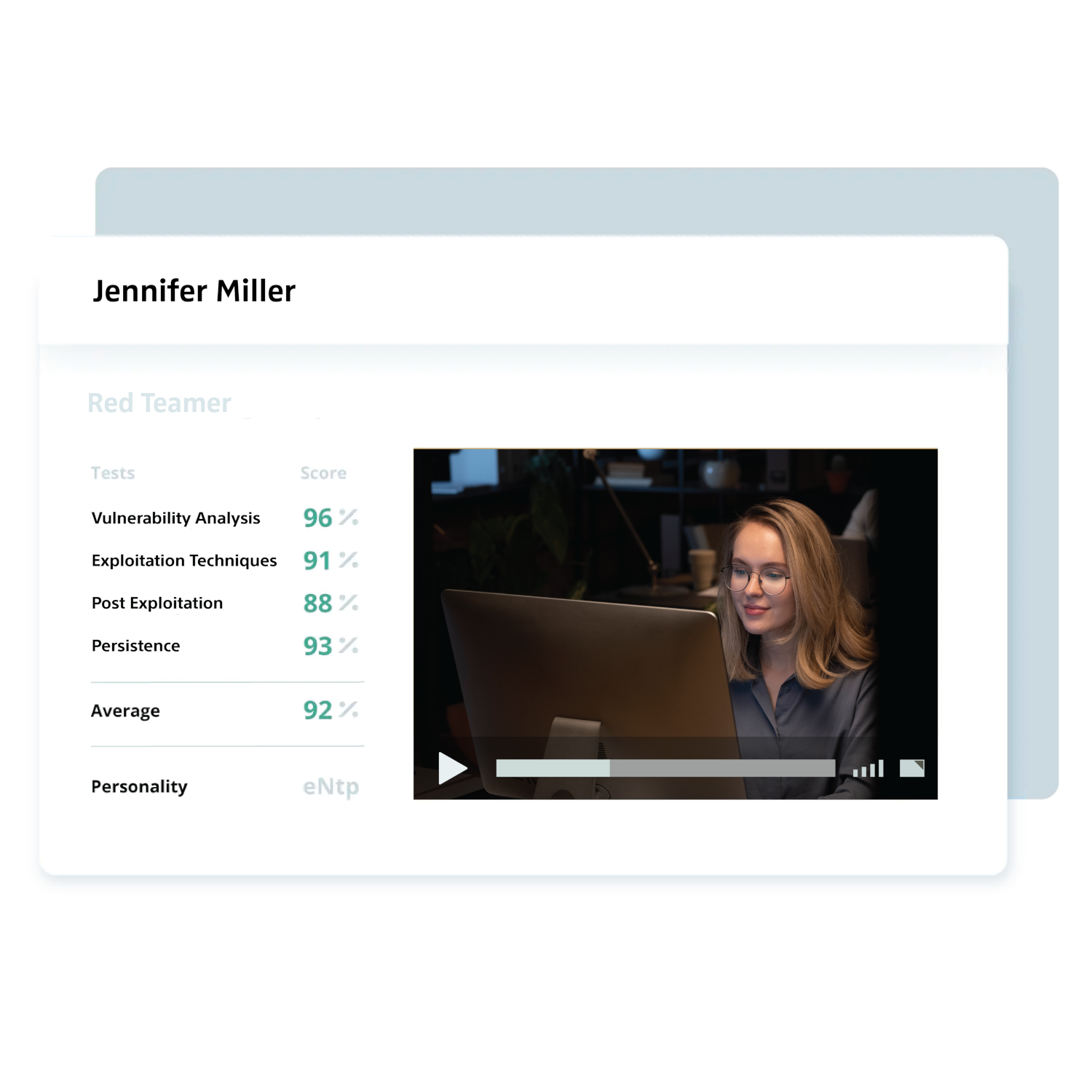
A video question is a specific type
of custom question you can add to
your assessment. Video questions let
you create a question and have your
candidates use their webcam to
record a video response. This is an
excellent way to see how a candidate
would conduct themselves in a live
interview, and is especially useful
for sales and hospitality roles.
Some good examples of things to ask
for video questions would be "Why do
you want to work for our company?"
or "Try to sell me an item you have
on your desk right now." You can
learn more about video questions
here.
Can you explain how the other custom
question types work?
Besides video questions, you can
also add the following types of
custom questions: multiple-choice,
coding, file upload, and essay.
Multiple-choice lets your candidates
choose from a list of answers that
you provide, coding lets you create
a coding problem for them to solve,
file upload allows your candidates
to upload a file that you request
(such as a resume or portfolio), and
essay allows an open-ended text
response to your question. You can
learn more about different custom
question types
here.
Can I customize an assessment with
my company logo and color theme?
Yes! You can add your own logo and
company color theme to your
assessments. This is a great way to
leave a positive and lasting brand
impression on your candidates.
What type of support do you offer?
Our team is always here to help.
After you sign up, we’ll reach out
to guide you through the first steps
of setting up your Learn1337
account. If you have any further
questions, you can contact our
support team via email, chat or
call. We also offer detailed guides
in our extensive
Help & Inspiration Center.
What is the cost for using the Agent Escape Incident Response test?
You can find our pricing packages
here. Sign
up
here
to try Learn1337 today.
Can I combine the Agent Escape Incident Response
test with other tests?
Yes. You can add up to five tests to
each assessment.
Where in my recruitment process
should I use the Agent Escape Incident Response
test?
We recommend using our assessment
software as a pre-screening tool at
the beginning of your recruitment
process. You can add a link to the
assessment in your job post or
directly invite candidates by email.
Learn1337 replaces traditional CV
screening with a much more reliable
and efficient process, designed to
find the most skilled candidates
earlier and faster.

 Format
 Time
Time
 Languages
 Level
Level